Make Debit Card Payments Using Your Smartphone
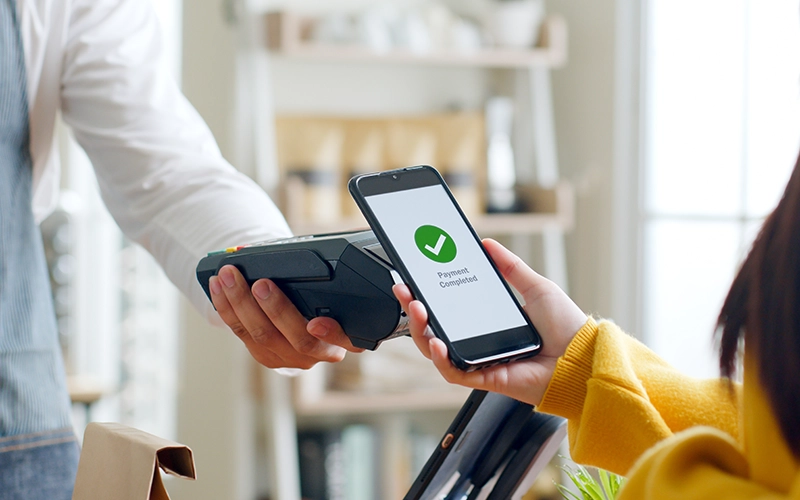
Turn your smartphone, tablet, or smartwatch into a secure way to pay. FNBCC’s Mobile Wallet services let you add your FNBCC Debit Card Mastercard® to Apple Pay® or Google Pay™, so you can make fast, convenient purchases in stores, online, and in apps. Your actual card number is never shared with merchants, helping keep your information protected while you pay.
Mobile Wallet makes everyday purchases easier. Simply hold your device near a participating contactless terminal to pay in store, or check out online without entering your debit card details. It’s a modern, secure alternative to carrying your physical card. If you have questions, please contact FNBCC's team.
Connect With Us
Apple Pay®
Apple Pay® allows you to securely store your FNBCC Debit Card on your Apple device and make payments with ease. Once your card is added to the Wallet app, you can use Apple Pay® at participating merchants, online, and within apps. Payments are authorized using Face ID®, Touch ID®, or your device passcode, adding an extra layer of protection every time you pay.
Apple Pay® replaces your card number with a unique digital number, so your full debit card information is never shared during a transaction. It’s a simple, secure way to pay with the Apple devices you already use every day. Click the icon below to learn more about Apple Pay®.

Google Pay™
Google Pay™ lets you pay quickly and securely using your Android™ device. After adding your FNBCC Debit Card to the Google Pay™ app, you can make contactless payments in stores, shop online, or pay in supported apps. There’s no need to carry your card or enter your debit card number at checkout.
Google Pay™ protects your information by using a digital card number instead of your actual debit card number. Merchants never see or store your full card details, helping keep your payments safe and your shopping experience smooth.